Whenever I download our SDK products I can never just run the solution file because all of the files have "Mark of the web" is there a quick way to remove this mark from all of the files within a directory?
Opens Windows Powershell as Admin and enter the following command:
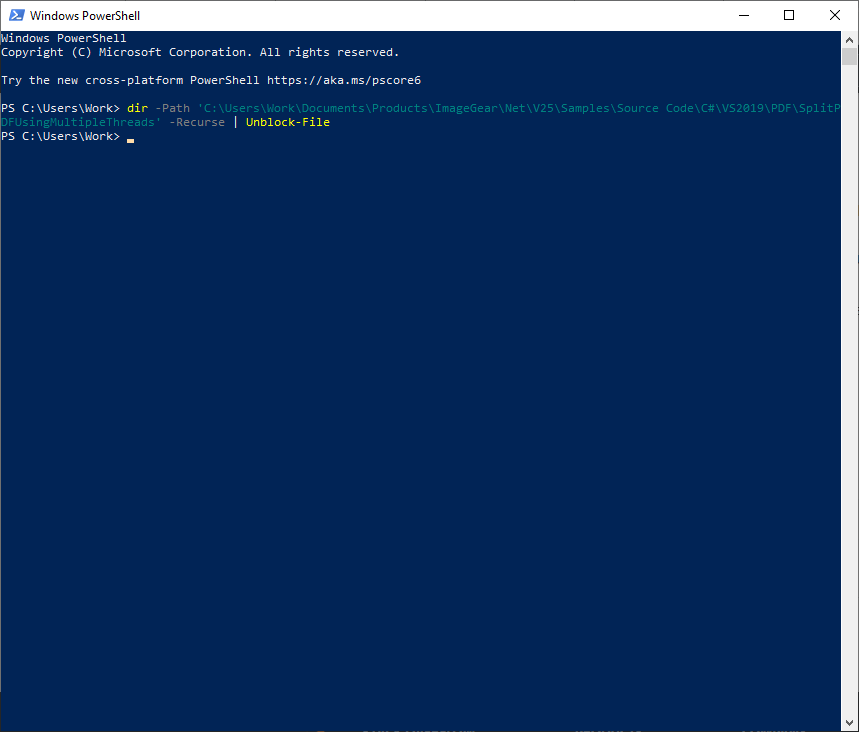
dir -Path 'PATH TO DIRECTORY' -Recurse | Unblock-File
Enter the path between the little ' ' and it should automatically go through all of the files and unblock them.
No more manual labor!
Was this article helpful?
That’s Great!
Thank you for your feedback
Sorry! We couldn't be helpful
Thank you for your feedback
Feedback sent
We appreciate your effort and will try to fix the article